These Office Productivity courses cover a broad spectrum of topics, ensuring you stay current with industry standards and best practices.
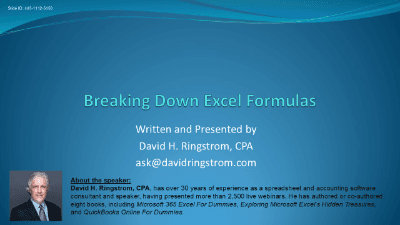
Excel expert David Ringstrom, CPA, shares tips to verify workbook integrity using Show Formulas, Evaluate Formula, Trace Precedents, FORMULATEXT, dynamic arrays, and structured references.
Build bulletproof, automated workpapers to maximize your daily productivity.

Transform Your AP Process with Electronic Invoices: Fully Automate Processing, Boost Efficiency, Cut Costs by 60-80%, Improve Controls, and Gain Real-Time Cash Flow Insights.

Master powerful formulas to automate, maintain, and bulletproof your professional Excel workbooks.
Try LearnFormula Business and buy packages or courses at a discounted group (multi-license) rate.

Replace complex formulas with dynamic, interactive reports and streamline your data analysis workflow.
Build automated, data-driven reporting processes using Power Query, Power Pivot, and professional design principles.
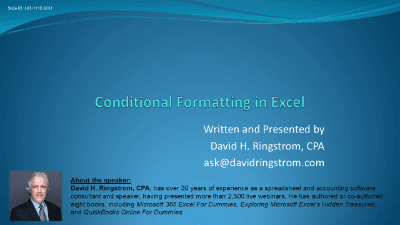
Master Conditional Formatting in Excel with David Ringstrom, CPA—learn to spot duplicates, filter by color, build data bars, and create formula-based rules across versions.

Streamline your monthly close, budgeting, and financial reporting with advanced Excel techniques.
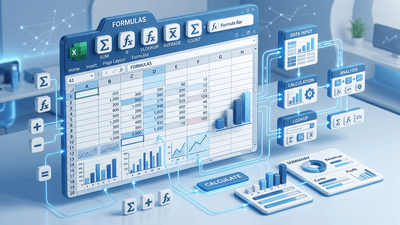
Go beyond basic formulas with professional techniques for efficient, maintainable, and error-proof Excel workbooks.

Master complex data lookups, dynamic table management, and robust input controls to streamline your accounting workflows.